Basic project
Download and extract AR 51 Unreal Plugins into the Plugins folder
Your plugins folder should look like this: 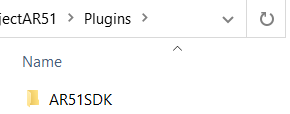
Restart the editor to enable the plugin.
Create a new level
File -> New Level -> Basic
Be sure to set the visibility of the plugins to True
In the Content Browser window. Select settings and enable "Show Plugin Content"
Drag the AR 51 SDK into the current level
From the "Content Browser" windows, select Plugins -> AR 51 SDK Content -> Blueprints and drag "AR51SDK_Blueprint" into the level.
warning
Hit Play
Make sure that AR 51's system is running on the same local network as your device.
You should see the character move in realtime. 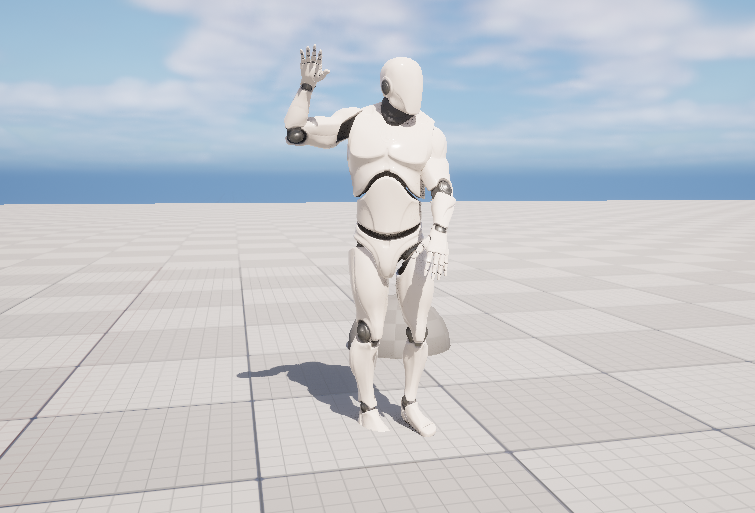
Was this page helpful?