Headset Calibration Settings Reference (Unity)
Every setting on the Headset Calibrator prefab, with its default. The prefab has two components: Headset Calibrator and Calibration Hint Panel.
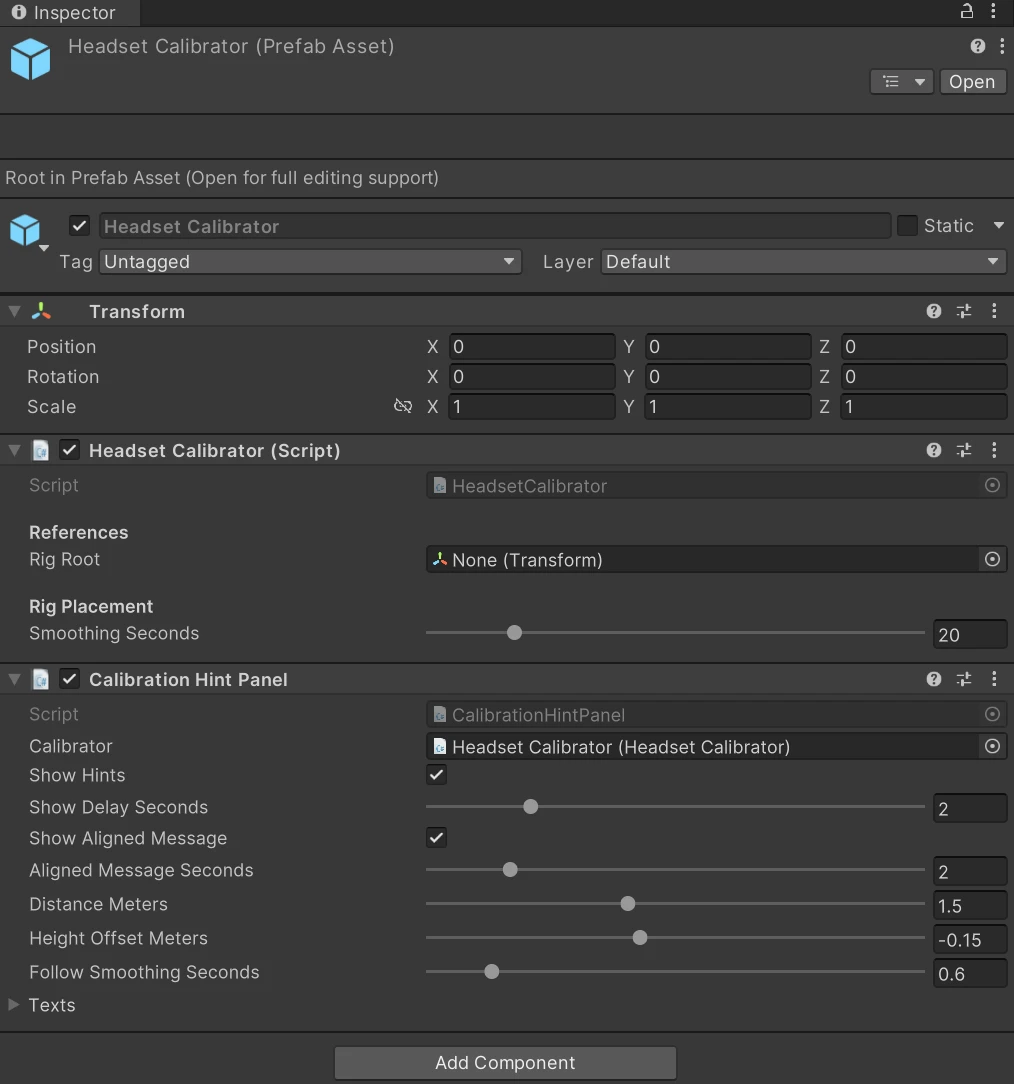
Headset Calibrator
| Setting | Default | What it does |
|---|---|---|
| Rig Root | empty | The object that gets lined up: your camera rig's root. Leave empty to use the root of the main camera. Must be a parent of the camera, not the camera itself. |
| Smoothing Seconds | 20 | How gently later corrections are applied (0–120 s). A correction is about two-thirds done after this time. 0 applies corrections at once. |
Calibration Hint Panel
| Setting | Default | What it does |
|---|---|---|
| Calibrator | empty | The calibrator whose hints are shown. Found in the scene when empty. |
| Show Hints | on | Turn off to hide the panel without removing it. |
| Show Delay Seconds | 2 | How long a hint must last before it's shown, so short moments don't nag the wearer. |
| Show Aligned Message | on | After a hint was shown, confirm with "You're aligned" once aligned. |
| Aligned Message Seconds | 2 | How long that confirmation stays. |
| Distance Meters | 1.5 | Distance of the panel in front of the wearer. |
| Height Offset Meters | −0.15 | Height relative to the eyes; negative is below. |
| Follow Smoothing Seconds | 0.6 | How slowly the panel follows the wearer's gaze; 0 keeps it fixed in view. |
| Texts | — | The message for each hint: Step Into View, Headset Tracking Lost, Finding You, Hold Still, Keep Walking, Aligned. Defaults are listed in the API reference. |
See also
- Developer guide — using the panel or your own UI
- API reference — the same settings from code
Was this page helpful?