Unity desktop application
Import the AR 51 SDK Unity package
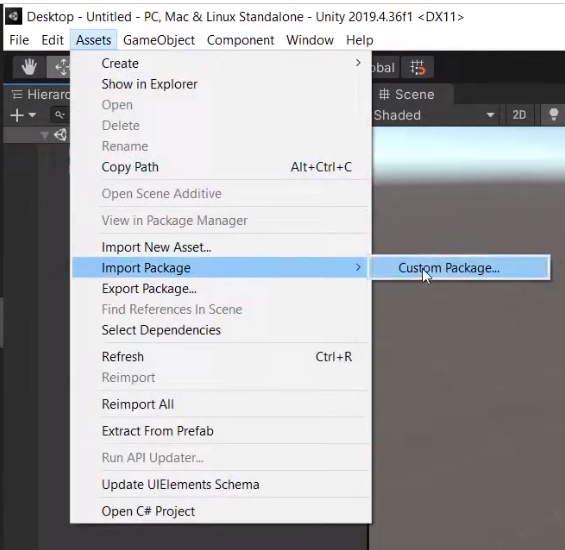
- In Unity, choose Assets → Import Package → Custom Package…, and select the AR 51 Unity SDK package.
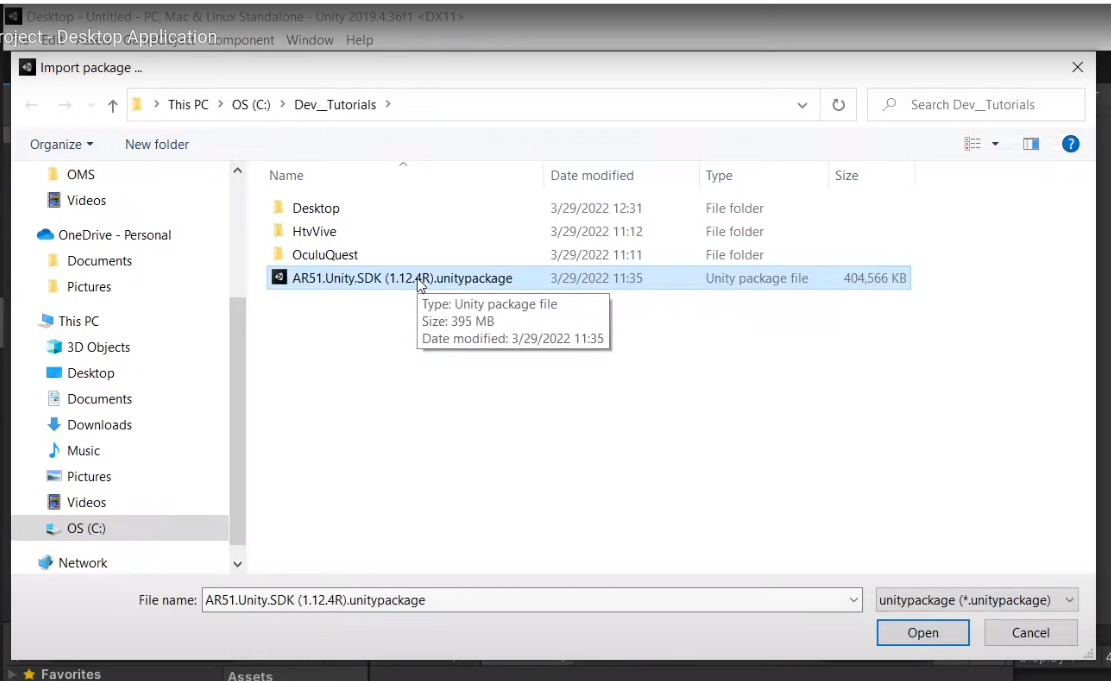
- Choose the AR 51 Unity package from the file menu.
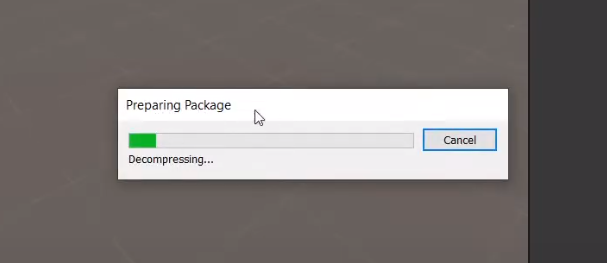
- You should see a progress bar when the package is loading.
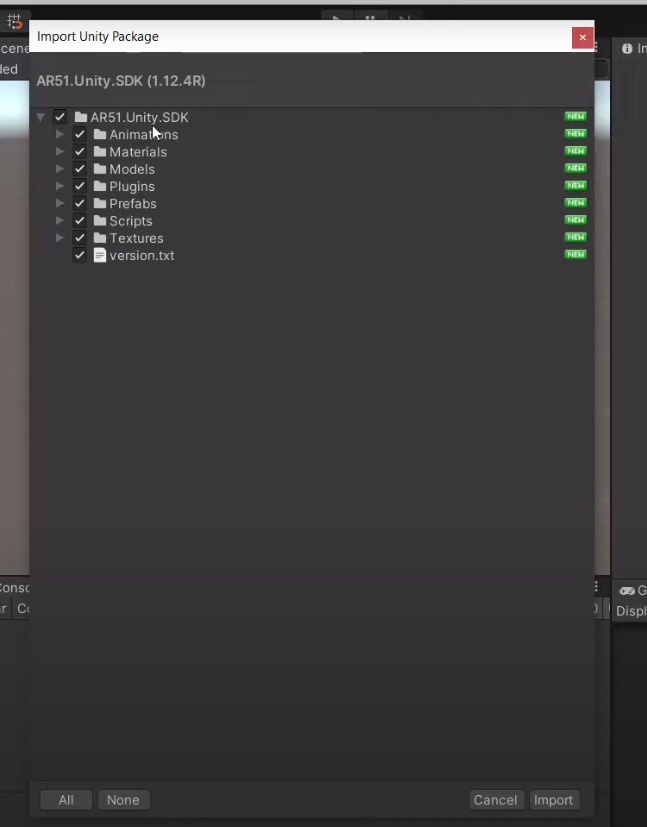
- Choose all the assets in the package and click import.
Drag the SDK prefab into the scene
- Locate the AR51.Unity.SDK prefab on the project menu. Under Assets/AR51.Unity.SDK/Prefabs
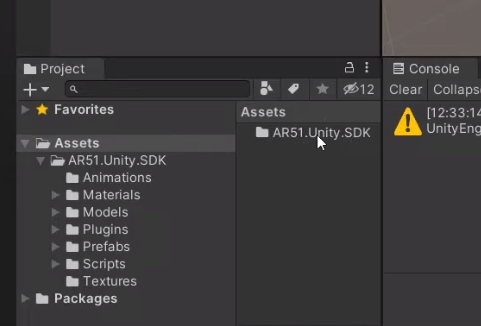
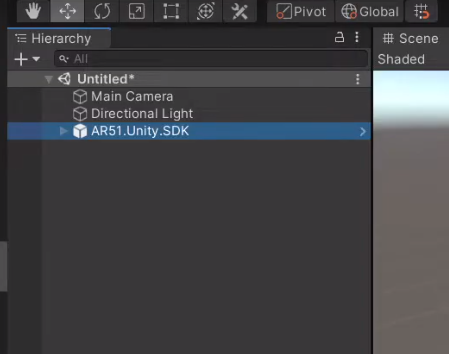
- Drag the AR51.Unity.SDK prefab into the scene.
Select the target platform
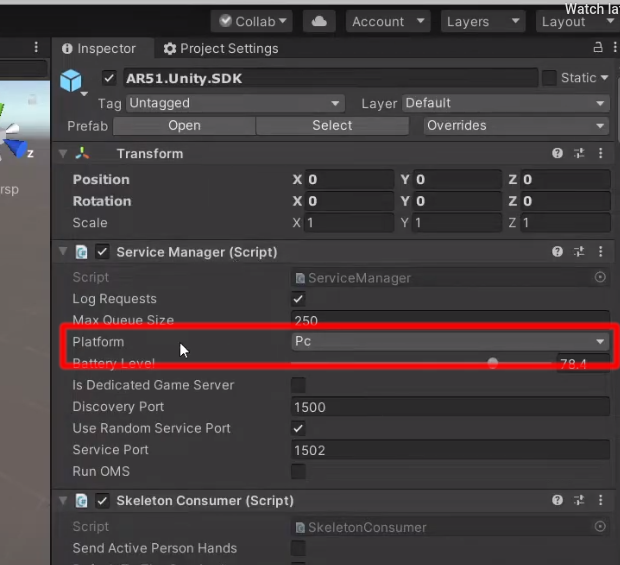
In the "Service Manager" component select the platform of your choice.
Select the hand provider
If you are using hands in your experience (i.e. Ultra leap) select the appropriate provider in the "Service Manager" component.
Run the Unity Scene
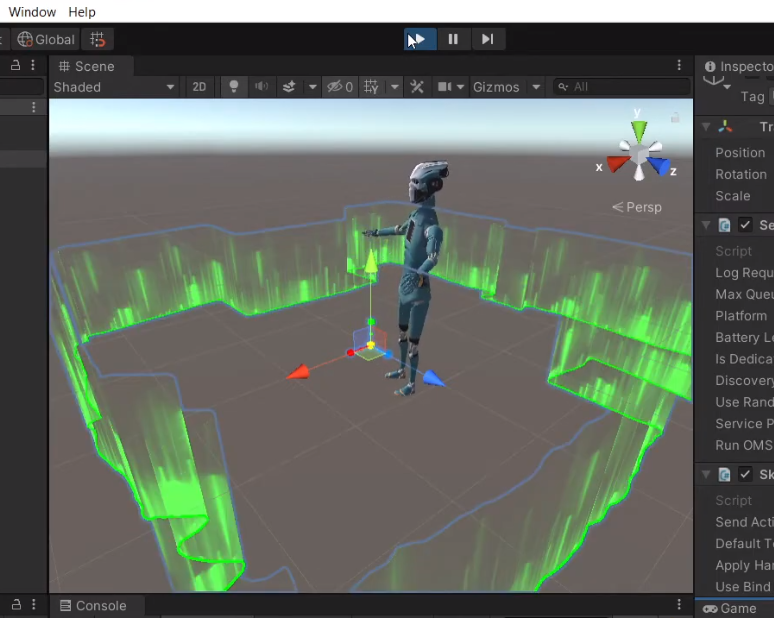
Run the scene in Unity.
You should be able to view a character that moves as you do.
Was this page helpful?