Network Setup
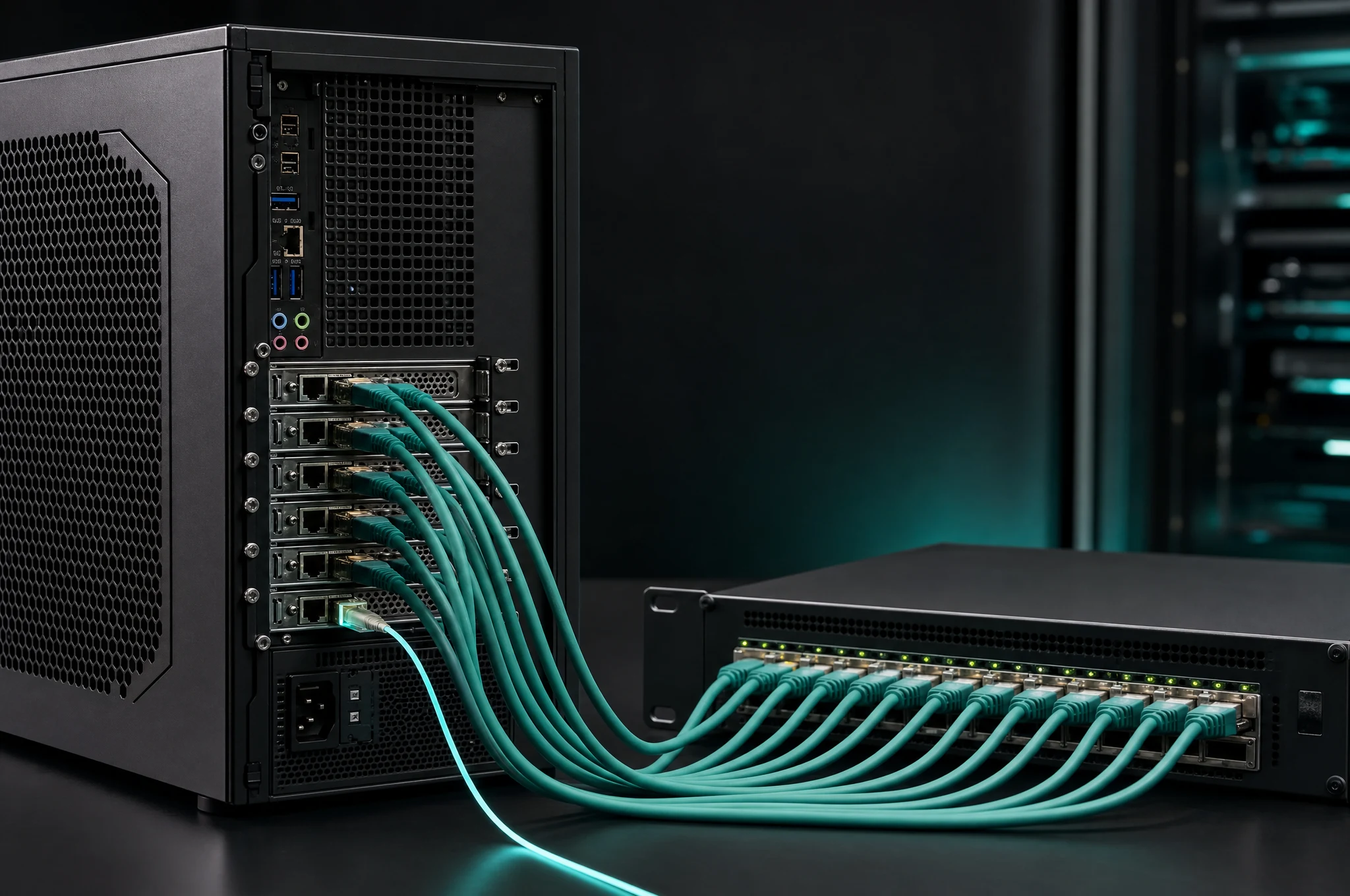
AR 51 runs on a local, high-bandwidth network: the machine-vision cameras stream to the AI server over 10/25/100GigE, and Mocap Studio and the Unity and Unreal clients connect to that server over the same LAN. This section covers how to configure the network for reliable real-time capture — switch setup, splitting a 100G link into 25G interfaces, VLANs for multi-camera systems, subnet configuration, and troubleshooting.
By the end of this section your cameras and server will be on a correctly configured, high-bandwidth network.
Next steps
Was this page helpful?