System Calibration
Before using AR 51, calibrate the cameras and the capture area — and, if you use VR headsets, align them too. This puts the cameras, VR devices, and the physical capture space into one synchronized coordinate system. The process has up to three stages:
-
Camera calibration
-
Capture-area (bounding box) calibration
-
VR headset alignment, when you use headsets — automatic with Headset Calibration for Meta Quest 3 on Unity SDK 3.0.3.2R or newer; otherwise legacy device calibration
By the end of this section your cameras, VR devices, and capture space will share one synchronized coordinate system.
Camera Calibration
The first step involves setting up and calibrating the cameras to ensure they accurately capture and interpret the physical space. It includes:
-
Calibration board detection
-
Lit calibration sphere detection
Bounding Box Calibration
Next, define the capture-area bounding box so AR 51 knows the physical limits of the performance space. A correct bounding box ensures the system captures only within the intended volume. This step focuses on:
-
Setting the center and dimensions of the bounding box
-
Sending the bounding box data to the server
-
Validating the bounding box calibration
VR Headset Alignment
Each VR headset tracks itself in its own local coordinate system, so it must be aligned with the AR 51 capture space. How you do this depends on your setup:
-
Meta Quest 3 with Unity SDK 3.0.3.2R or newer: use automatic Headset Calibration. There is no calibration procedure — alignment happens while the wearer walks naturally through the capture area.
-
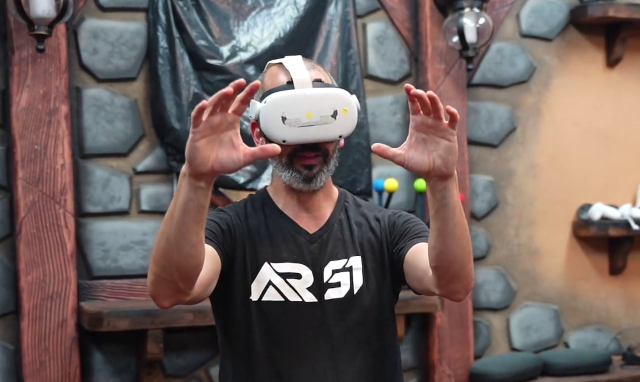
Older SDK versions and other VR platforms (for example the Unreal VR integrations): use legacy device calibration, where each device is aligned by moving and positioning your hands in the capture area.
LED Stage Synchronization
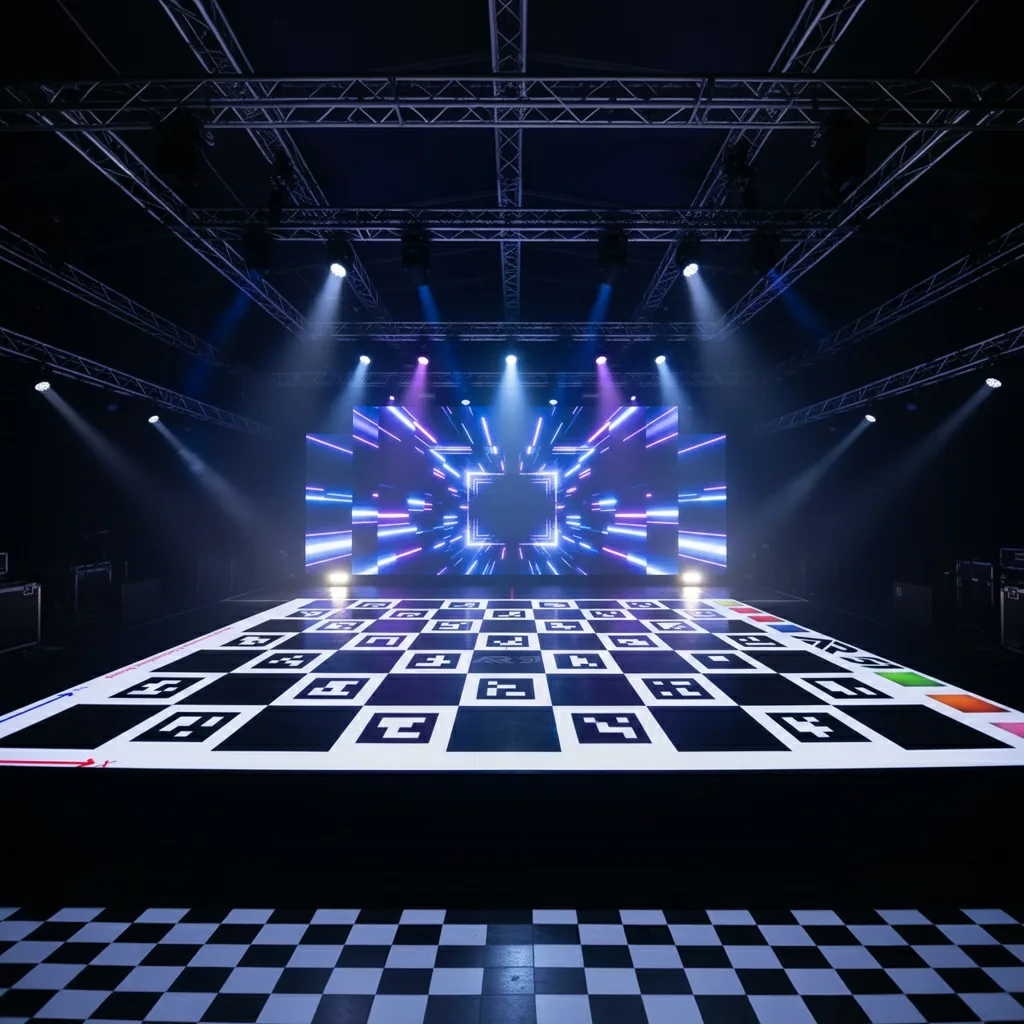
Here, we will sync between an LED stage coordinate system and AR 51's coordinate system by projecting the checkerboard pattern onto the LED floor.
Next steps
- Calibrate the cameras
- Set up automatic Headset Calibration (Meta Quest 3, Unity)
- Legacy device calibration (older SDKs and other VR platforms)
- Open Mocap Studio